Analytics: onsite campaigns
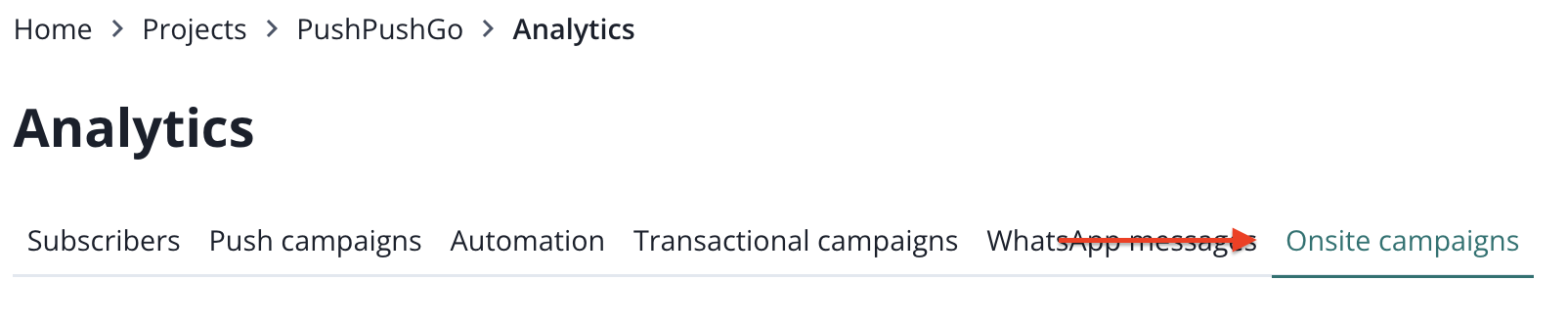
To find onsite notifications analytics page, you must switch to the correct tab while you are in analytics.
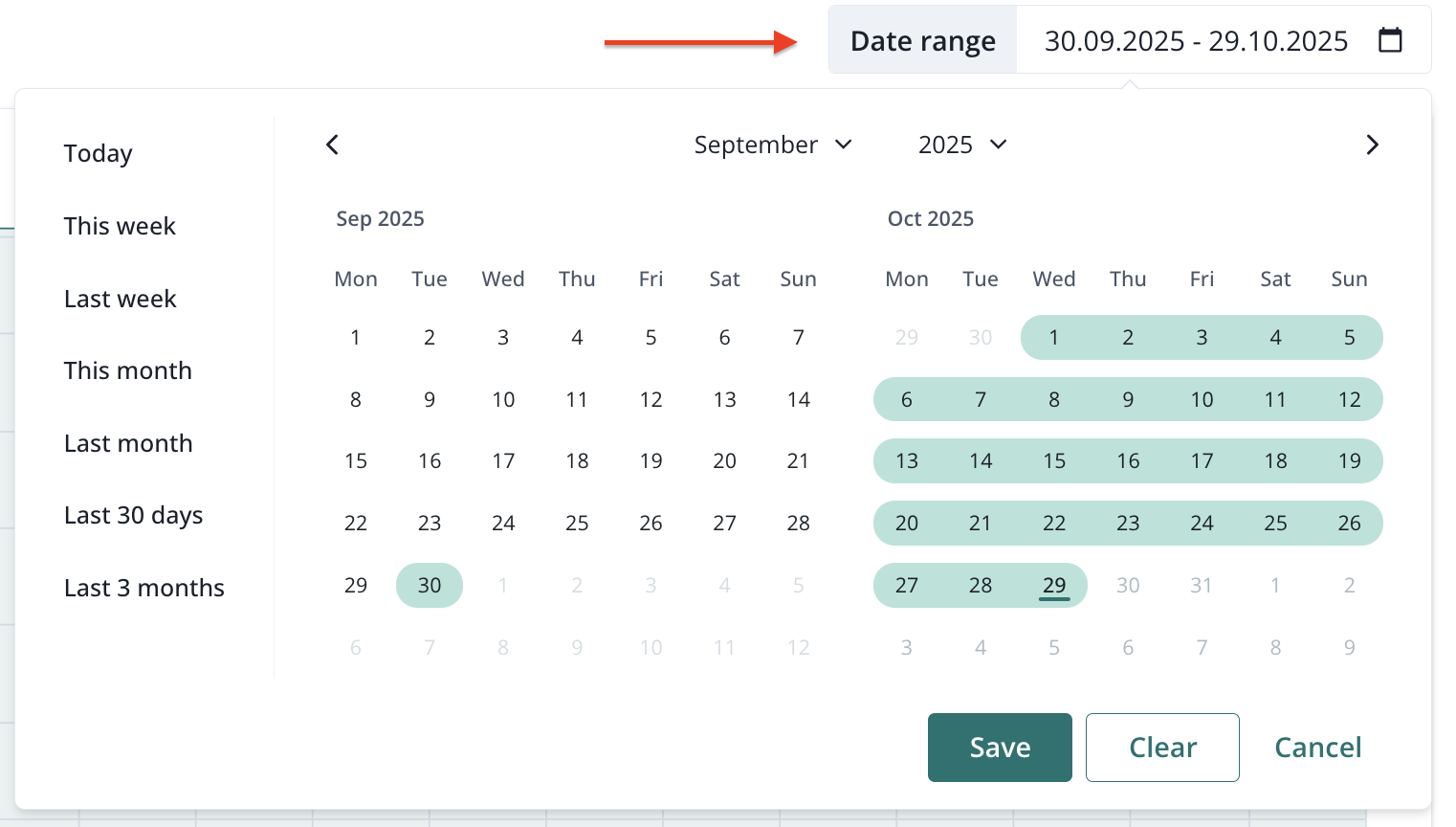
You can filter the results by the date range (maximum past 90 days).
Right below these filters you will find a set of important metrics regarding your onsite campaigns. The campaign results chart can be filtered by metrics (CTR, DSP, Delivered & Clicked):
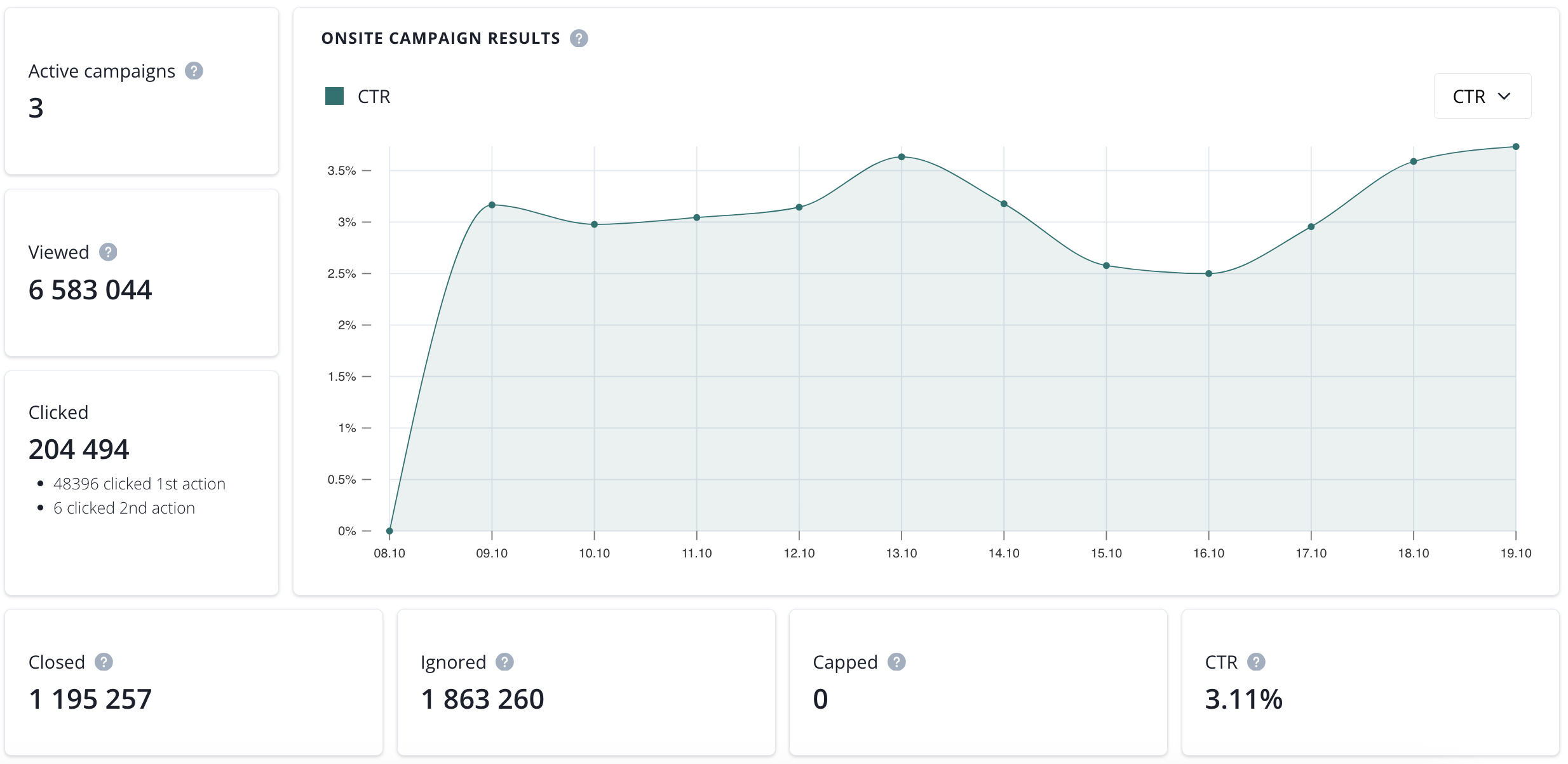
- active campaigns (number of onsite campaigns that are currently enabled),
- viewed (total of displayed onsite notifications within selected time range),
- clicked (total of clicked onsite notifications within selected time range),
- closed (total of closed onsite notifications within selected time range),
- ignored (total of ignored onsite notifications within selected time range),
- capped (total of capped onsite notifications within selected time range),
- CTR (click-through rate in a selected time range).
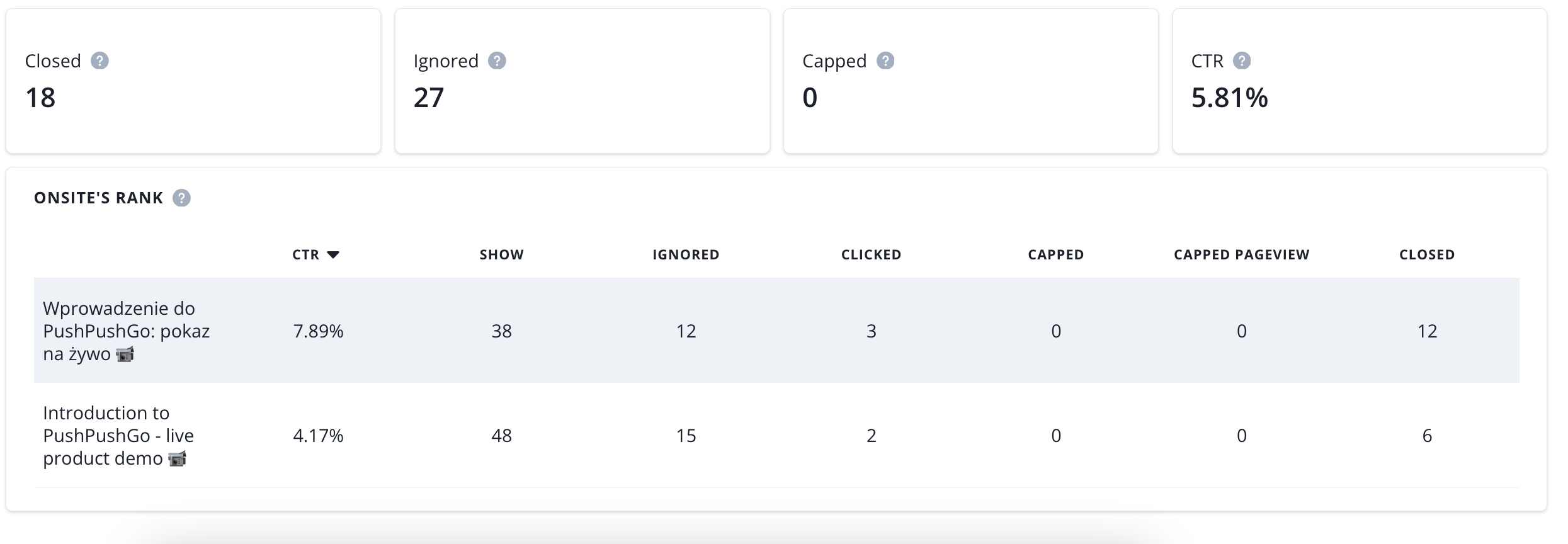
Onsite's rank shows all onsites that have been active during a selected time period. You can sort it by column.