Project setup and configuration
Creating a new project
See Quick start guide and your first campaign article.
Basic project settings
When you are in your project, go to Settings.
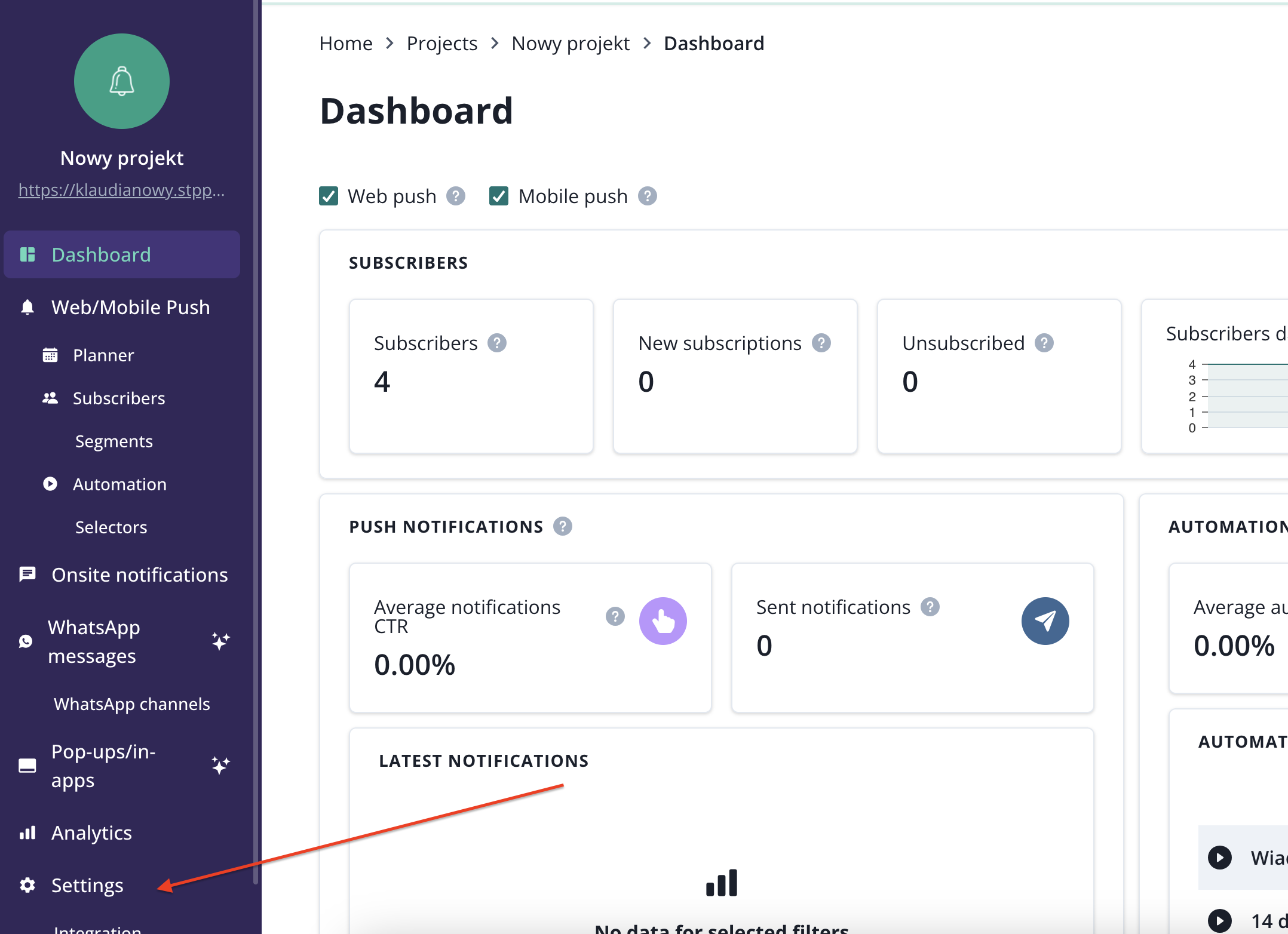
What you will find there:
- general project information like logo, name and url
- daily push capping feature (if included in your plan)
- webhooks
- an option to delete the account
When the logo of the project is lodaded in the project settings, it get automatically added as an icon to your web push, mobile push and onsite notification.
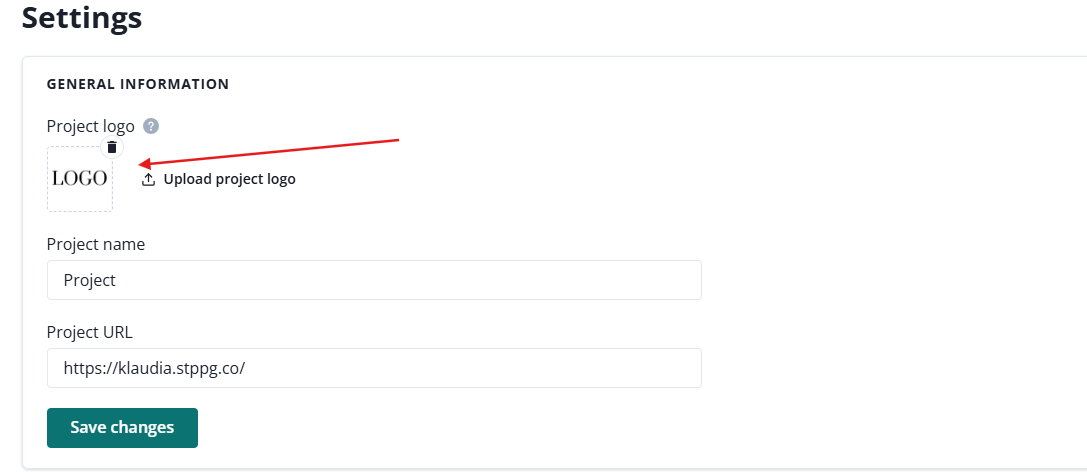
Web push creator:

Switching between projects
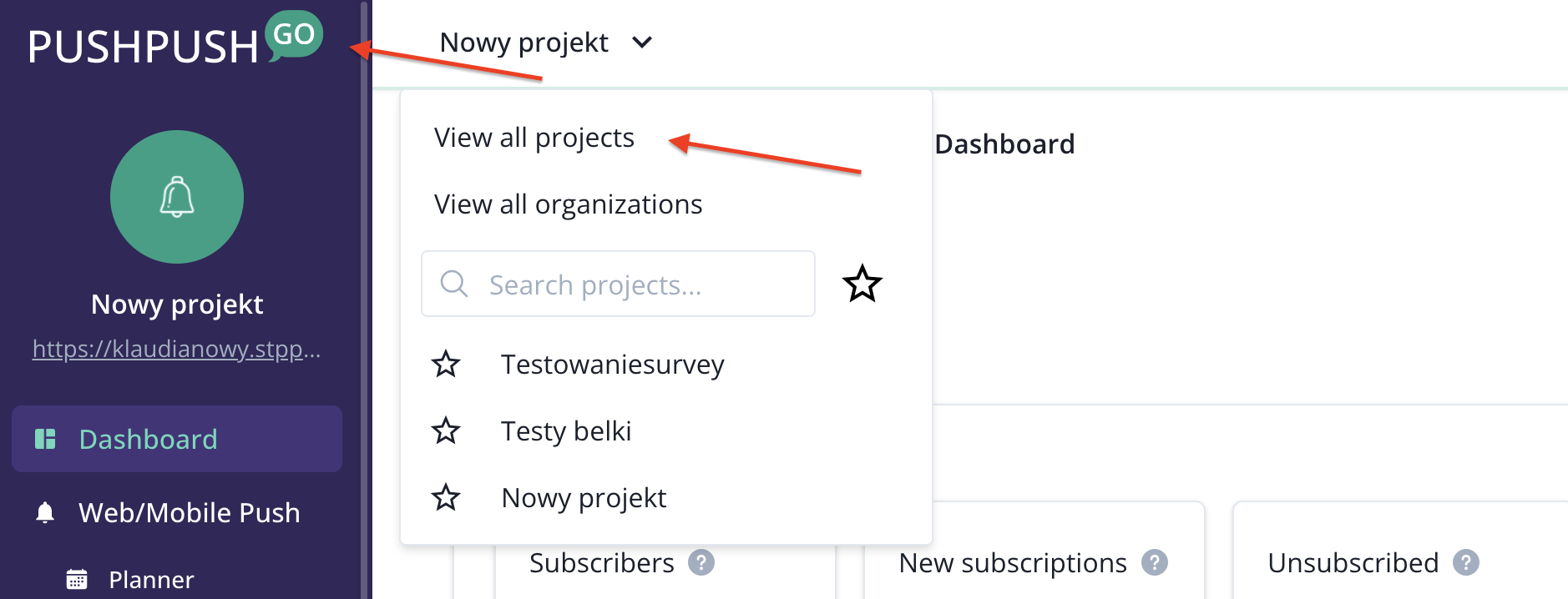
To switch between your projects, use the dropdown menu from the top bar:
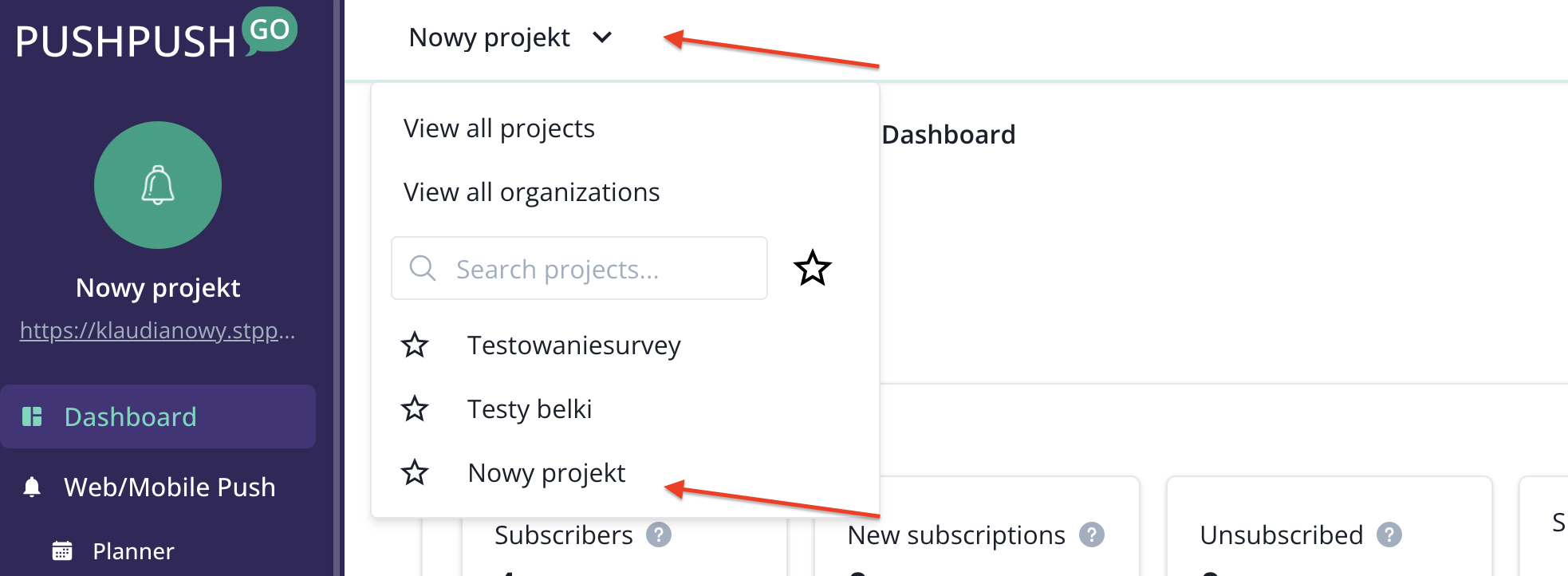
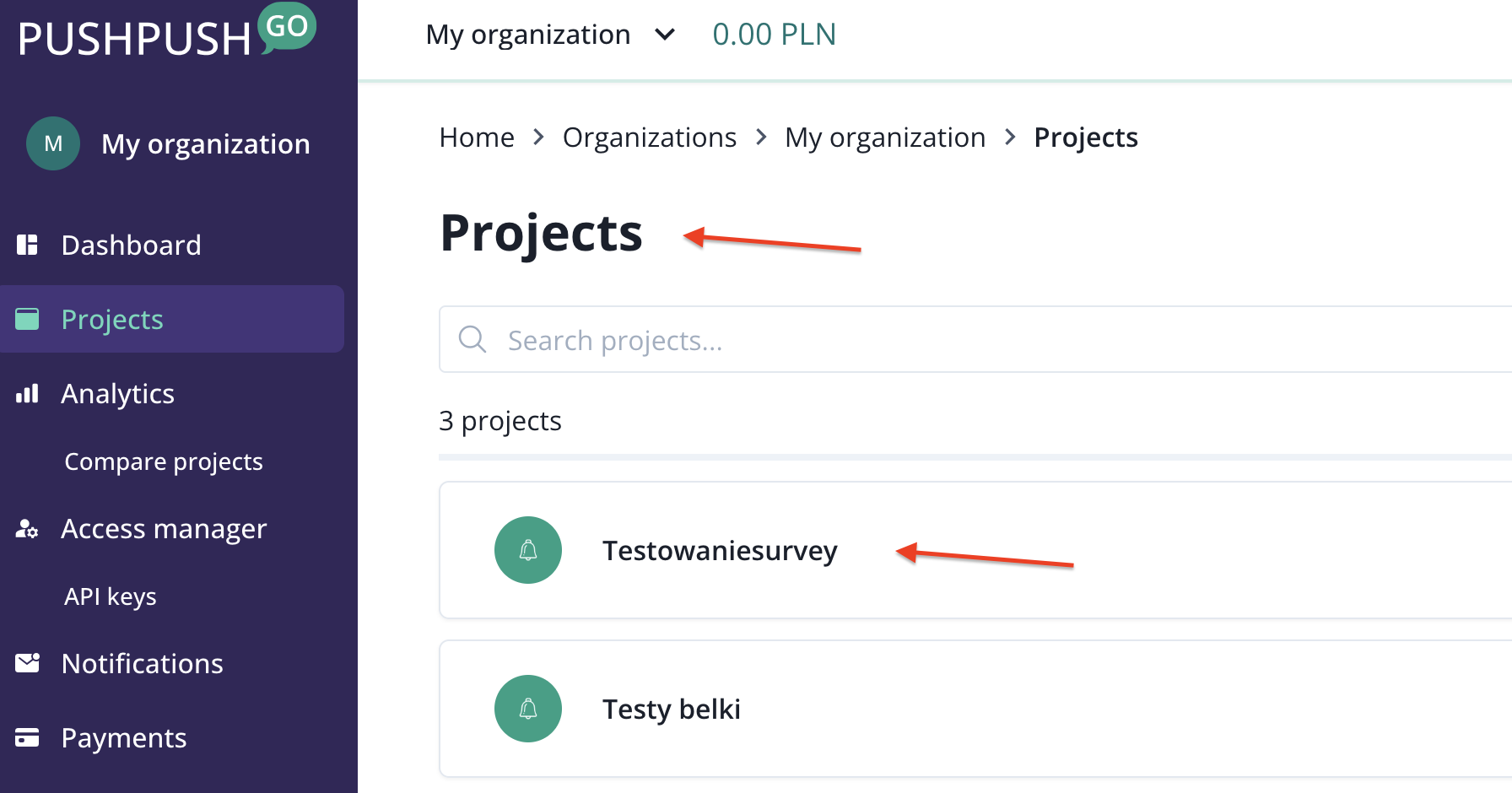
You can also go to projects view by clicking on PushPushGo logo or clicking on view projects from this organization