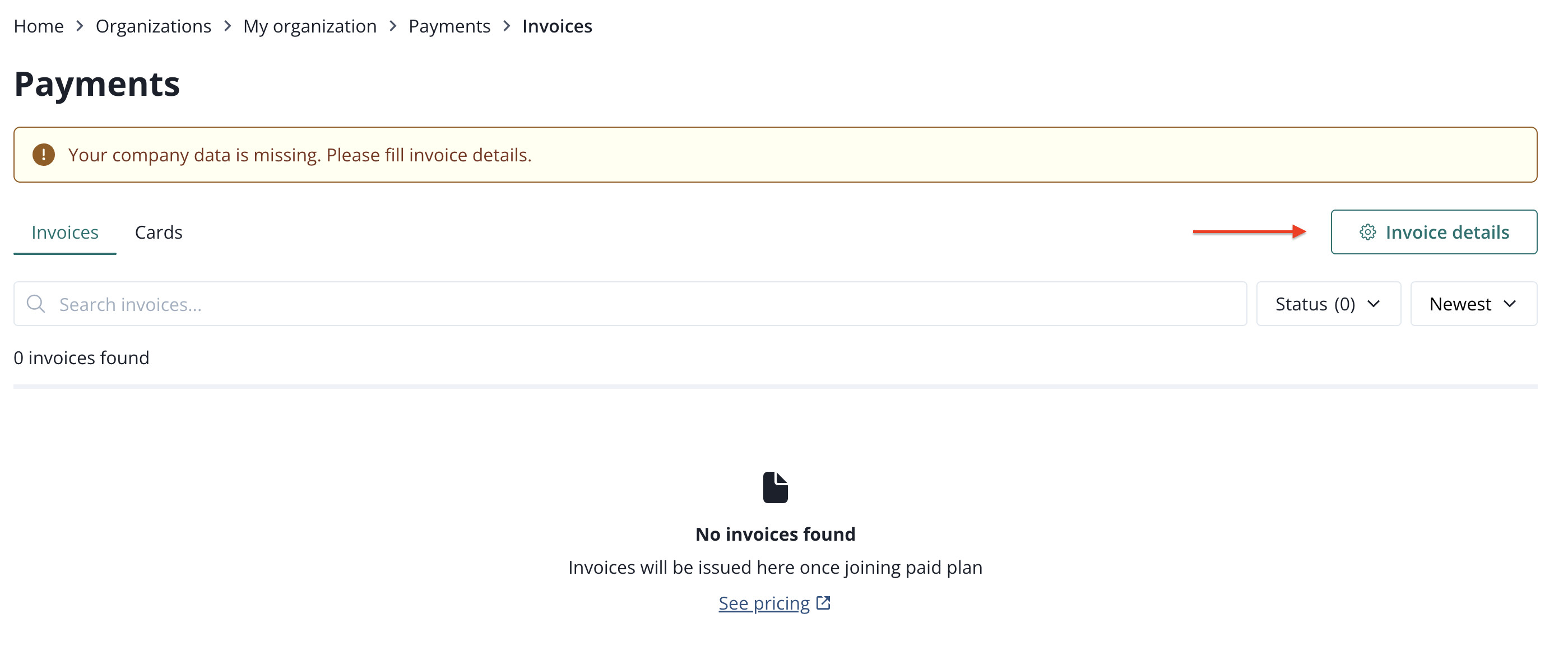
Invoices
Invoices are being issued monthly, at the end of the month, unless you chose a custom billing option (available only in Business, Enterprise and Mix and Match plans). Find more about available plans on our website.
The first invoice after the trial period ends is calculated proportionally for the remaining days of the month.
Invoices can be found in the Payments section of PushPushGo.
Payments
Payments section can be found in the Ogranization menu which can be accessed from the Project menu in two ways:
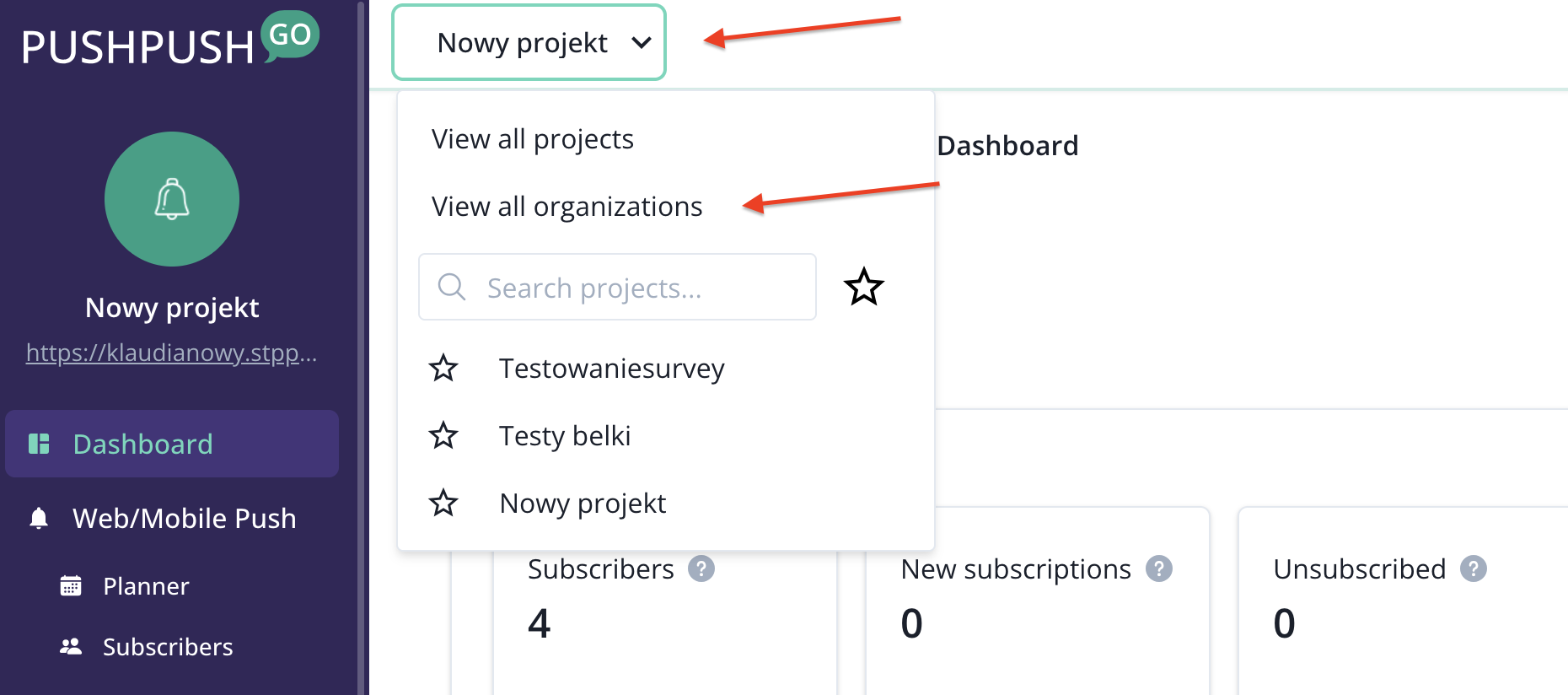
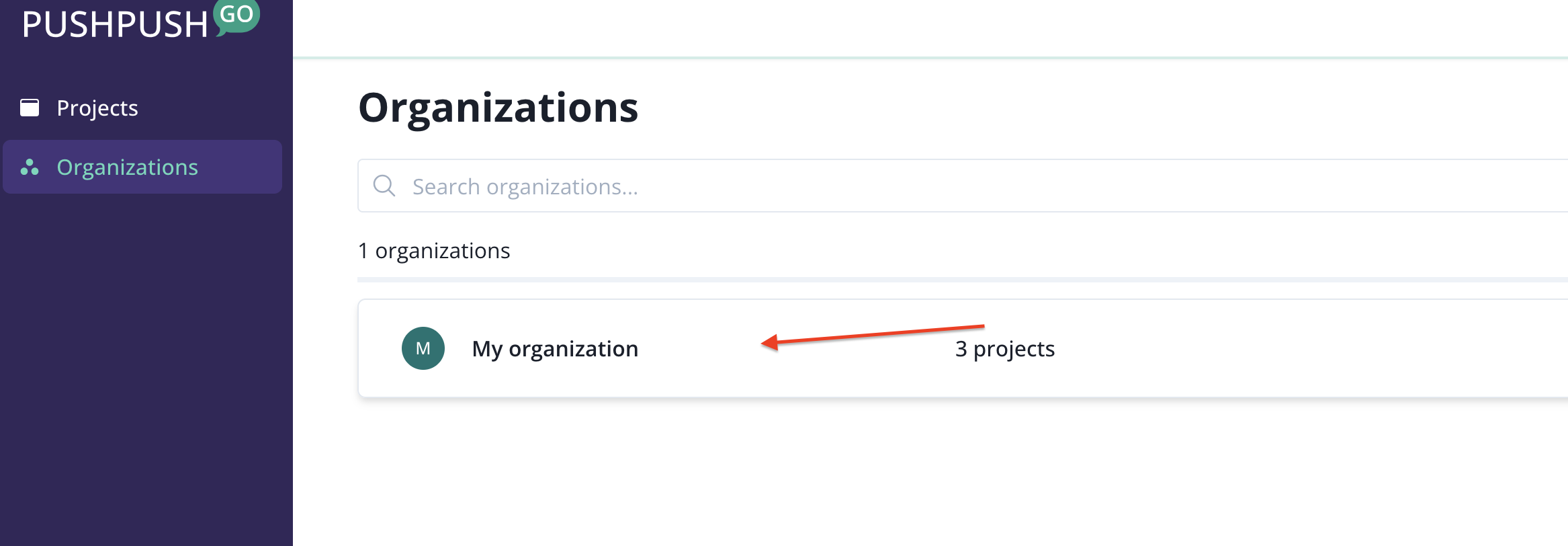
Through the dropdown menu from the top bar of the platform, by selecting view all organizations, and then selecting the organization that you are looking for from the list.
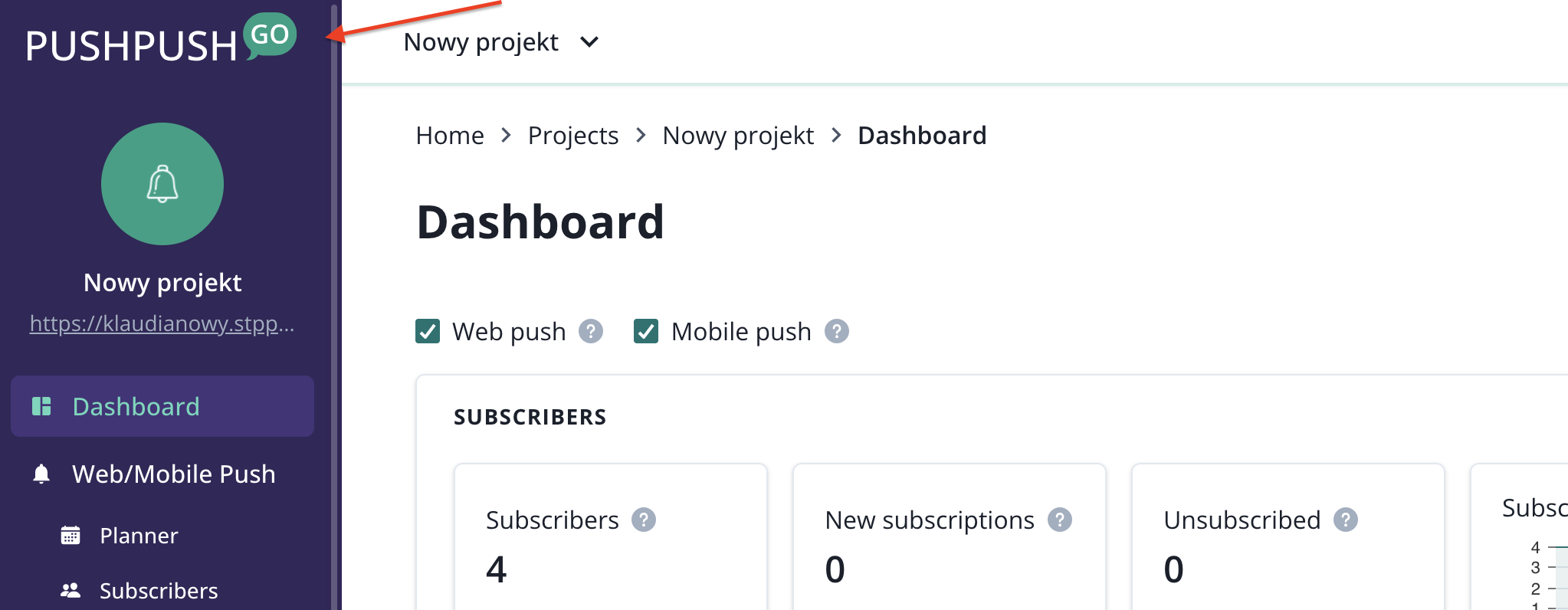
You can also get there by clicking on the PushPushGo logo in the upper left corner.
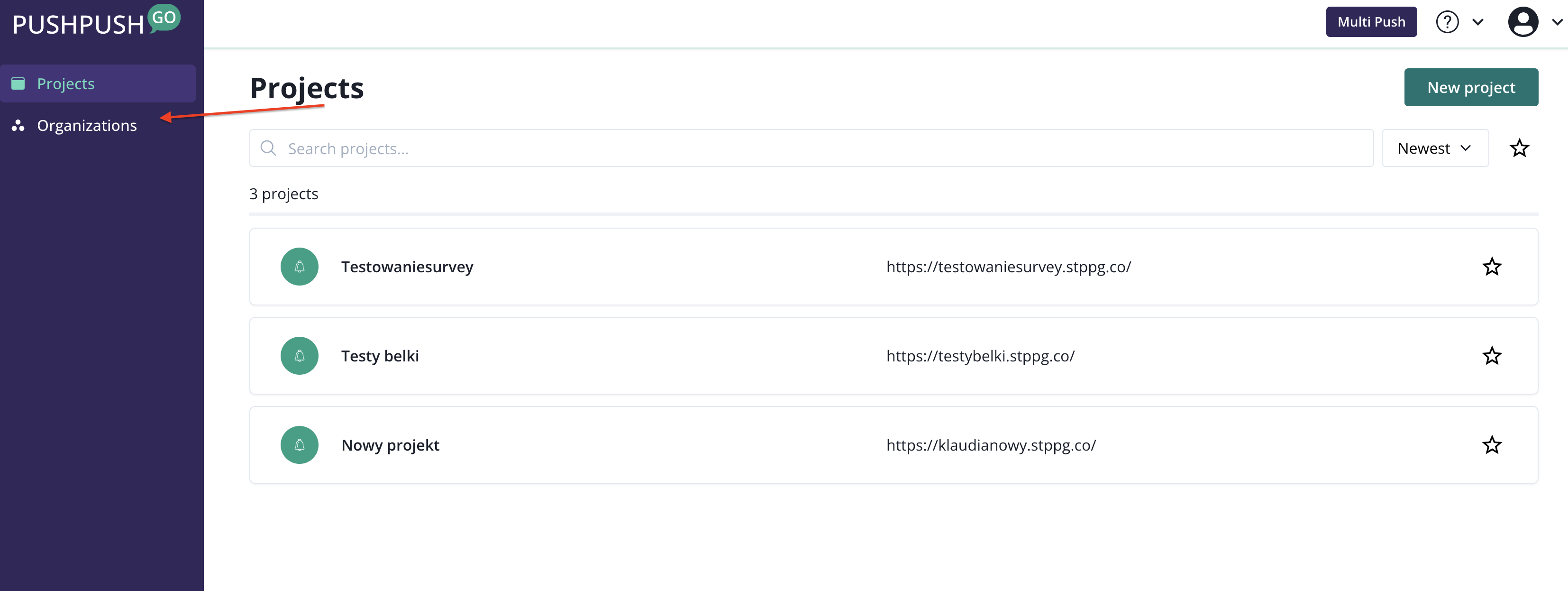
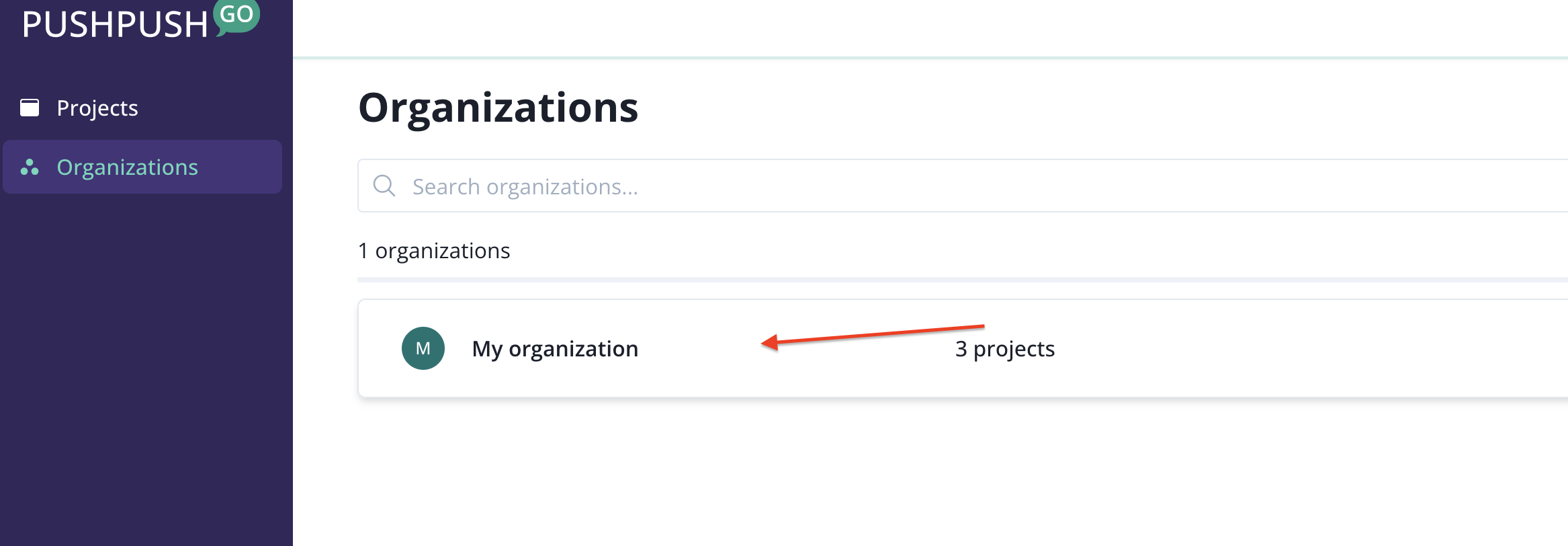
After entering the organization menu, you will see the Payments option in the navigation bar.
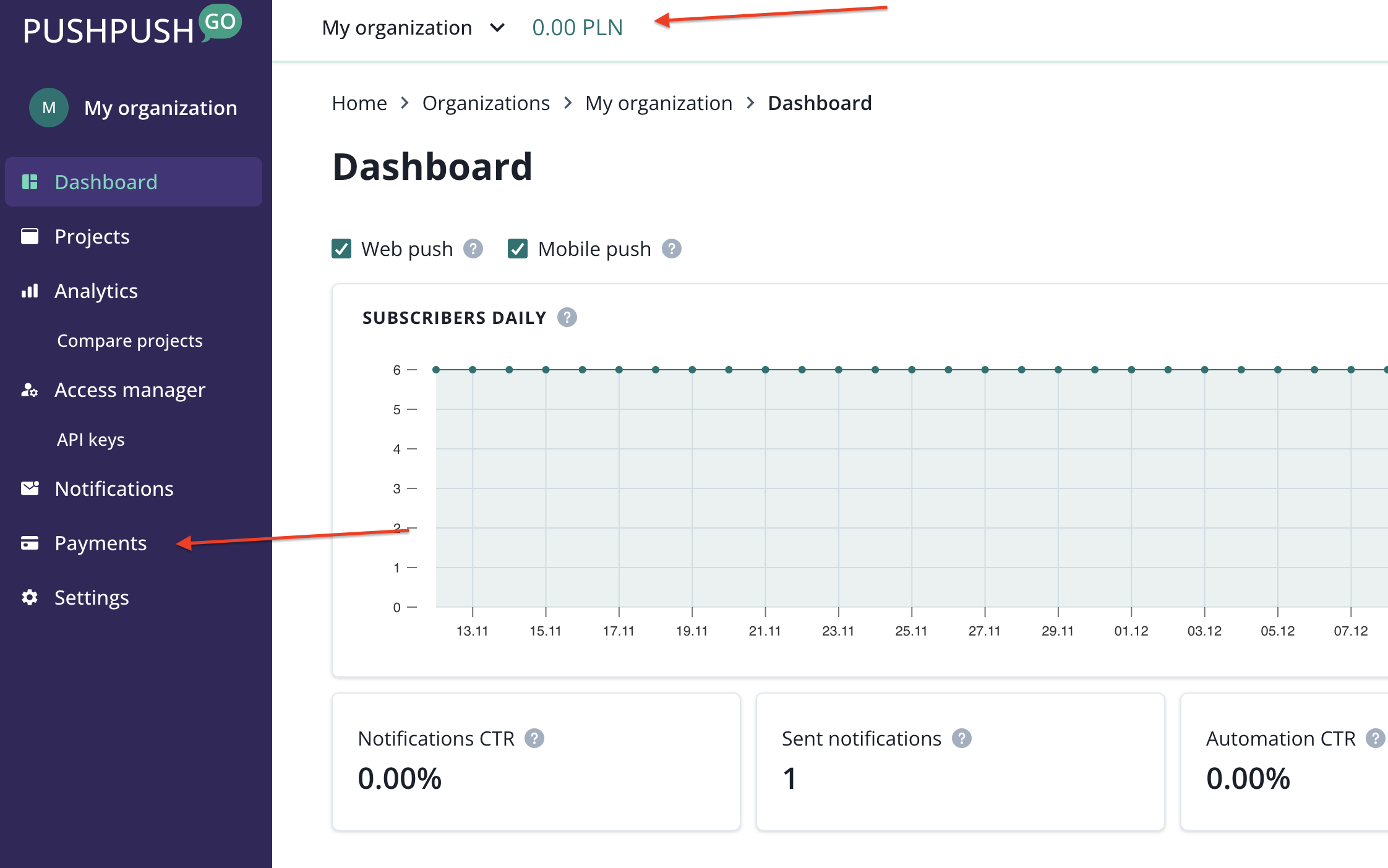
Clicking on the saldo in the top navigation bar will also get you to Payments.
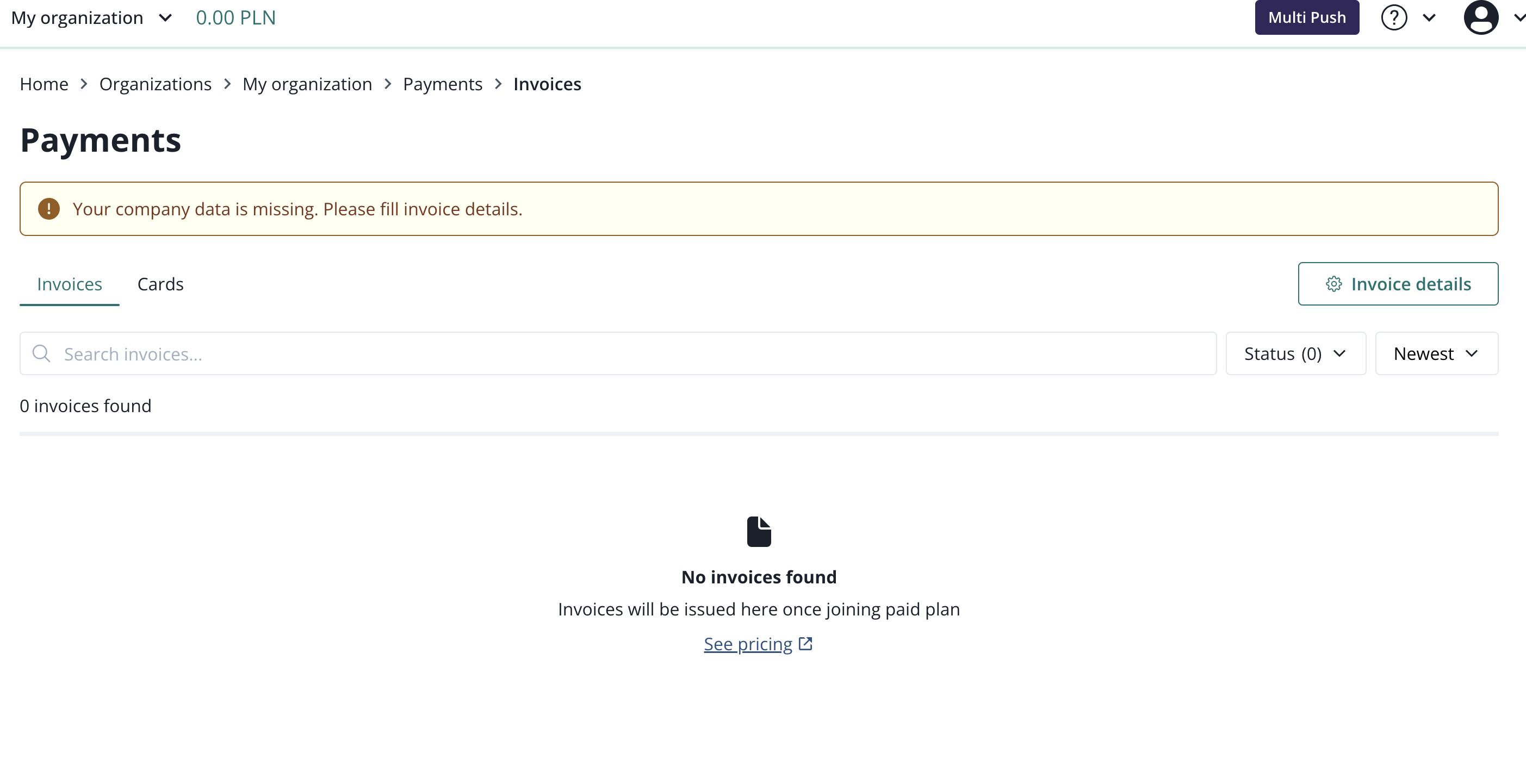
Your invoice details can ba changed here.