Whatsapp: Create and manage channel
Create a WhatsApp channel
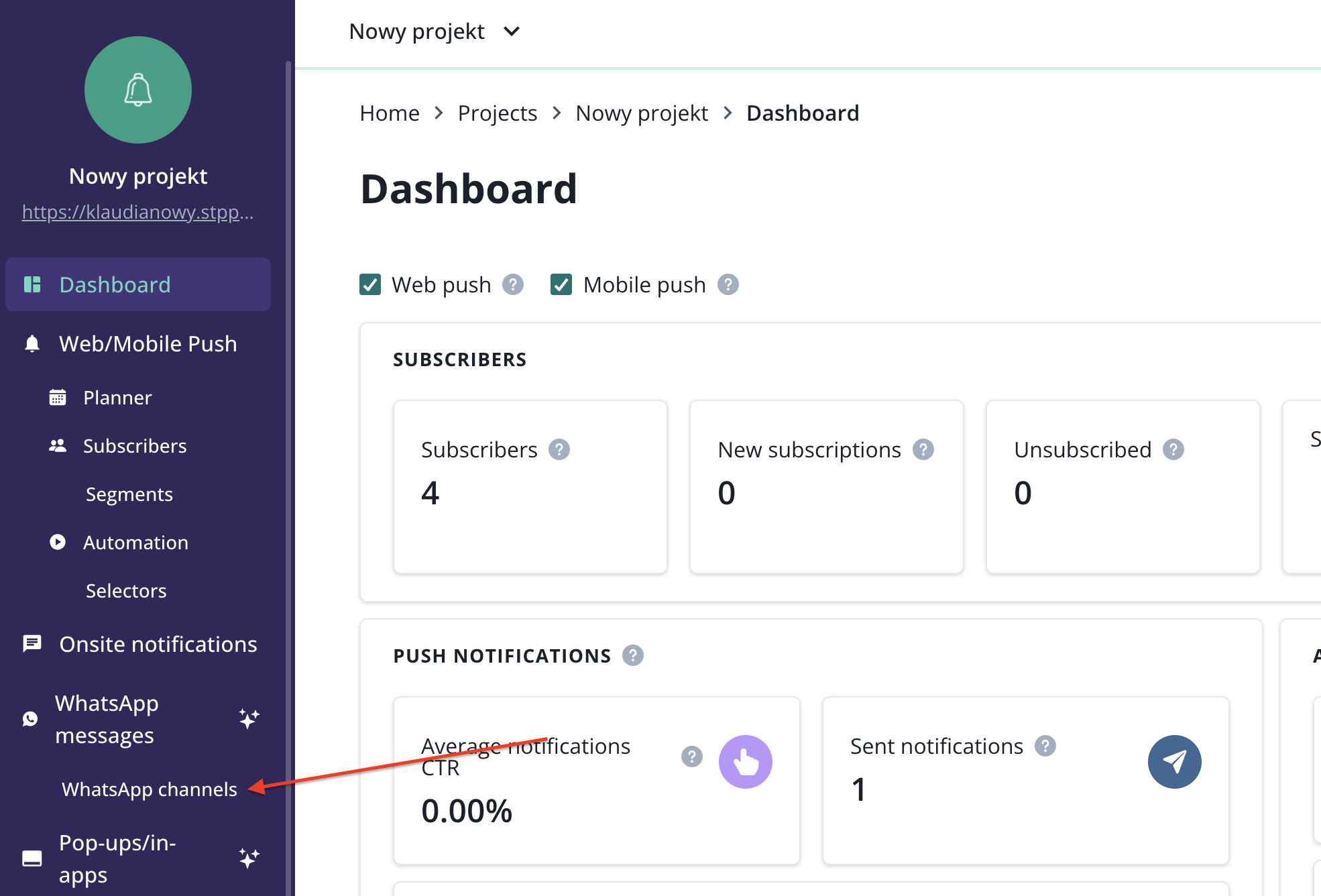
To create a channel, go to WhatsApp option and click on New WhatsApp channel.
Fill in your channel details.

These details will be visible to your audience.
You can also assign a channel to a segment.
- Segments are linked to your web push notification channel (If you don't use web push, this option will be not available to you).
- Assigning a WhatsApp channel to a segment does not mean that your web push audience will be automatically subscribed to the channel you are creating. You must invite them to opt in separately.
- If you create a web push campaign targeting a segment assigned to the WhatsApp channel, and choose to convert it into a WhatsApp message, the correct channel will be selected automatically.

After you click “Create channel,” a message will appear indicating that the channel is pending activation. It usually takes a few seconds to receive confirmation that the channel is ready.

Now, you can start inviting users to your WhatsApp channel using a link or QR code provided.
Manage WhatsApp channels
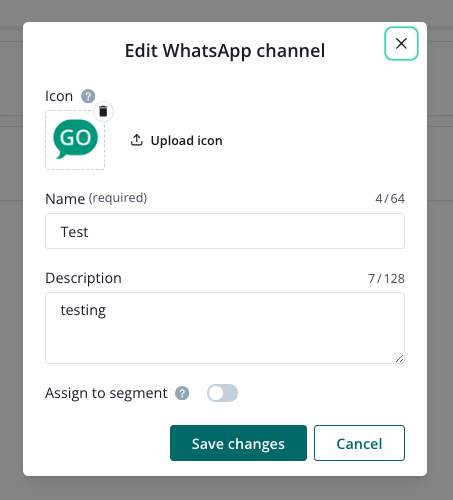
If you need to update your channel details or delete a channel completely, go to WhatsApp settings.
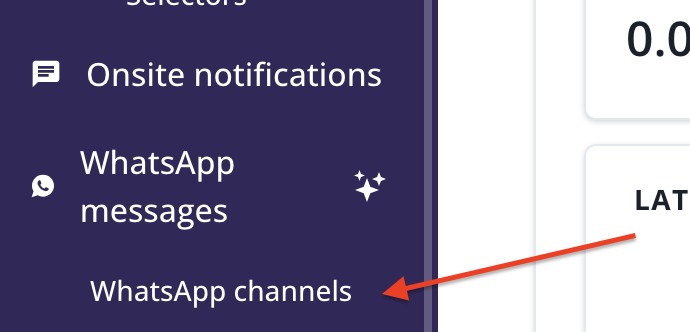
You will find there a list of your channels
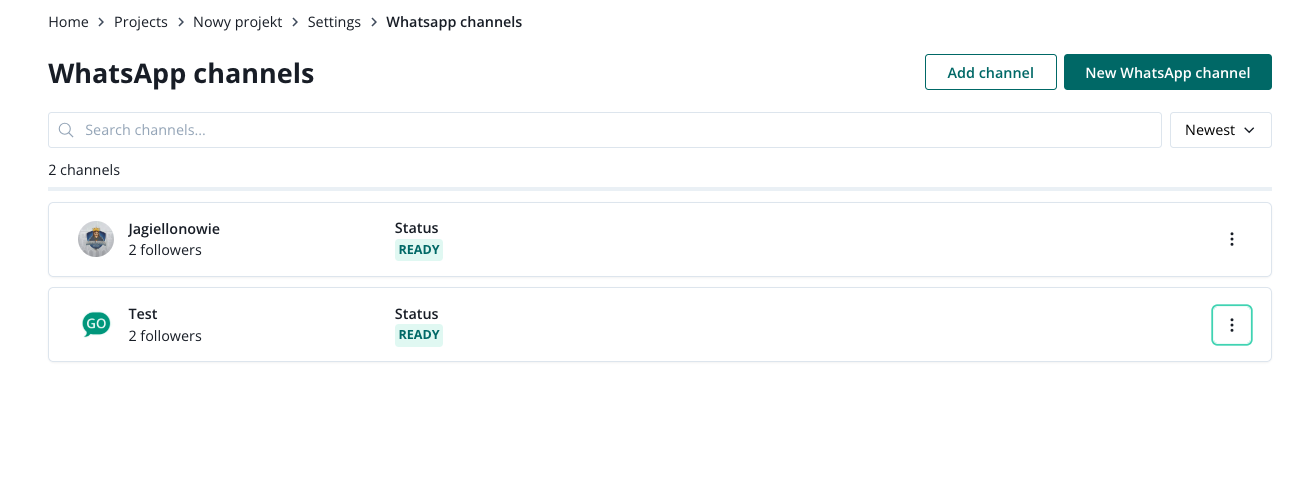
Now, you can click on the three dots next to the channel that you would like to edit/delete and choose the right option.
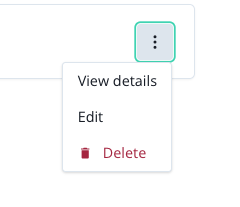
If you edit the channel, you can change its:
- icon,
- name,
- description.
or choose to assign it to existing web push segments (so you can later send web push and WhatsApp message to a chosen segment at the same moment).