
Inbox: Adding inbox to your webiste
To enable the feature, you must activate Inbox and Bell widget. Both features are located in Integration > Web Push (VAPID). You will only see the Inbox feature if it is icluded in your plan. Contact us to on support@pushpushgo.com to enable it.
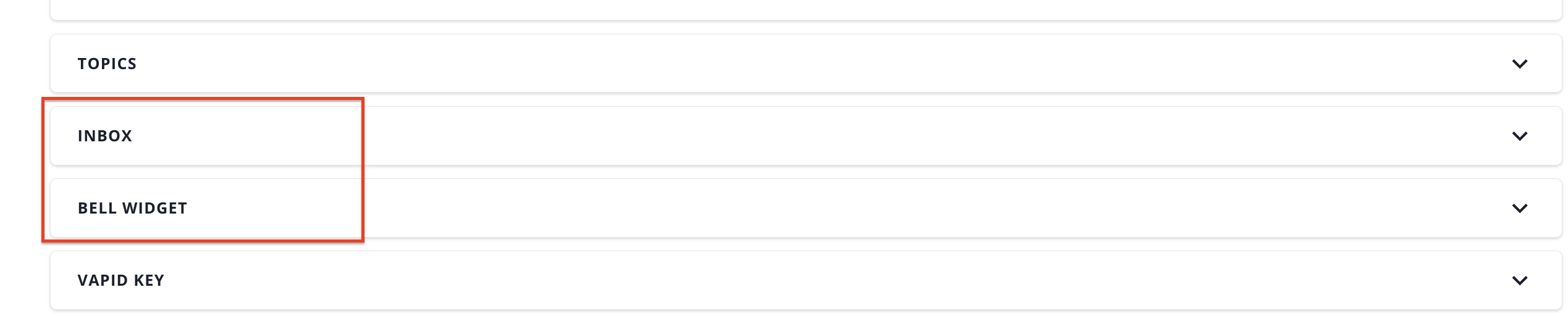
Both features are activated by a switch.
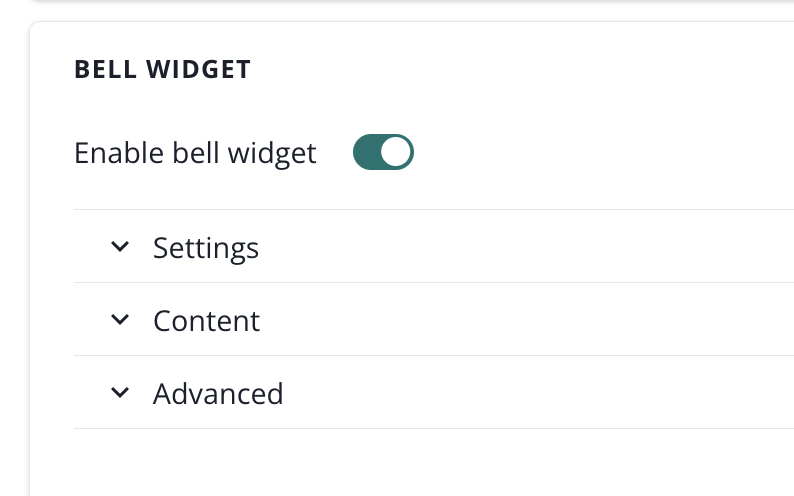
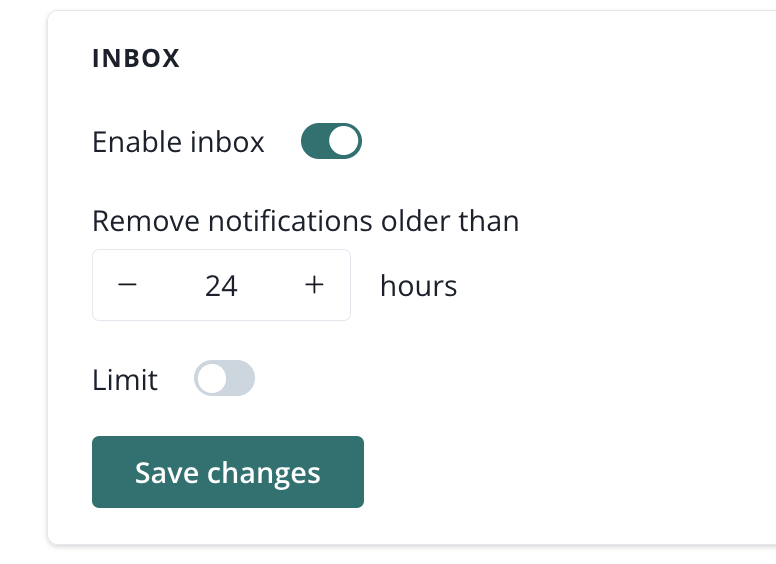
You should start from configuring and enabling Inbox and then configuring and enabling Bell widget. When you enable the Bell widget, the feature will start showing on your website. If you only enable Inbox and not the Bell widget, the feature will not show up on the website. Both features must be enable for the Inbox to show up on your website.